Unlocking Joy: 20% Off On OJS Theme Get It Now >>

🏆 Premium Certificate of Publication Generator for OJS 3

🏆 Premium Certificate of Publication Generator for OJS 3

Elevate your journal's professionalism and prestige with the elegant, modern, and print-ready automatic Certificate of Publication generator!

Certificate of Publication Generator is a premium plugin for Open Journal Systems (OJS) 3.x that allows authors to instantly download a digital PDF certificate directly from their dashboard the moment their manuscript is ACCEPTED or PUBLISHED.

This plugin is designed to provide incredible value to journal managers without adding any administrative workload. Leave the old ways of manually creating certificates one by one in the past!

✨ Key Features

  • Automated Certificate Issuance The "Download Certificate" button automatically appears on the Author Dashboard only when a submission's status changes to Accepted or Published.
  • 3 Exclusive Premium Design Themes Choose from three stunning layouts out of the box:
    • Classic: An authoritative design with a full golden border and elegant corner ornaments.
    • Elegant: A clean, modern, and minimalist layout with fine golden accent lines.
    • Modern: A bold, contemporary style featuring dynamic solid color blocks and strong typography.
  • Unlimited Color Customization Match the certificate to your journal's visual identity. You can customize the Primary Color and Accent/Gold Color effortlessly via the plugin's settings menu.
  • Digital Signature & QR Code Verification Supports the embedding of the Editor-in-Chief's physical signature image, alongside an automatically generated, scannable QR Code to validate document authenticity.
  • Indexing Badges Support (Scopus, Crossref, etc.) Show off your journal's pride! Easily display a row of indexing logos (such as Scopus, Crossref, DOAJ) right at the bottom of the certificate.
  • Flexible Orientation & Custom Backgrounds Generates high-precision A4 PDF documents in both Landscape and Portrait orientations. You can also upload custom background images (like paper textures or watermarks).
  • Extra Security (CodexLock Ready) (For Resellers/Developers) Fully integrated with the CodexLock licensing system to ensure the plugin is safe from piracy and can only be used on registered domains.

⚙️ How It Works

This plugin operates smartly and integrates seamlessly into your OJS 3 workflow:

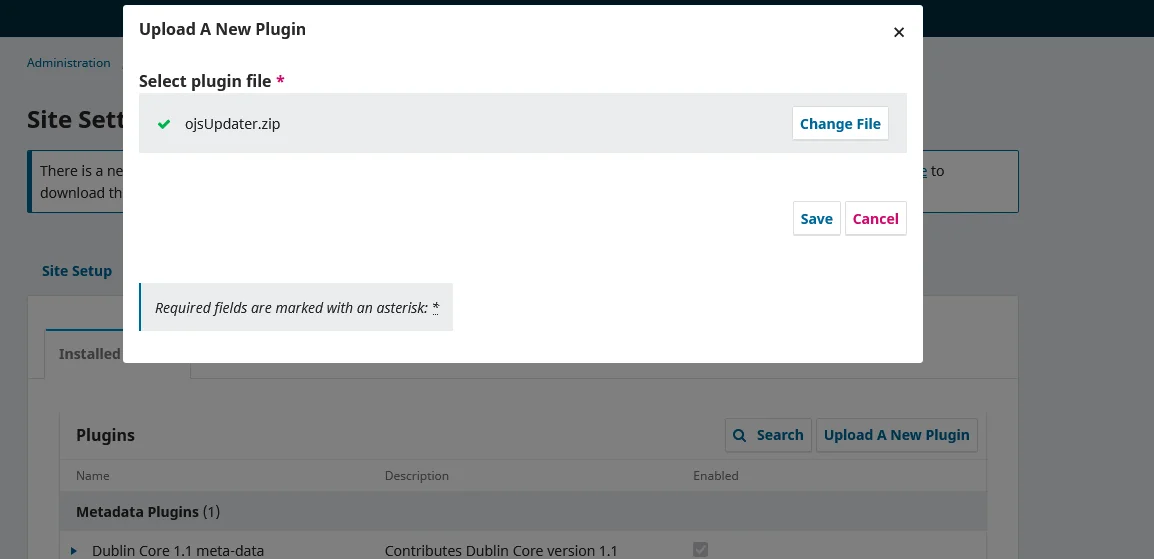
  1. Initial Setup (By Journal Manager/Editor): Once the plugin is installed, the Admin goes to Website Settings > Plugins to fill in basic configurations (Editor Name, Journal Logo, Signature, chosen Theme, and Colors).
  2. Smart Status Monitoring: The system works silently in the background. As long as a manuscript is under Review or Copyediting, the certificate button remains hidden.
  3. Author Access: The exact moment an Editor records an Accept Submission decision, the plugin injects a prominent green "Download Certificate" action button into the author's submission history.
  4. Instant Client-Side PDF Generation: When clicked, the plugin fetches the article's metadata (Title, Author Names + Affiliations, Journal Name, Issue, Date) in real-time. High-quality HTML-to-PDF rendering technology then constructs the certificate directly in the author's browser without putting any load on your server.
  5. Ready to Print: The certificate downloads instantly as a PDF file in true A4 dimensions (millimeter-perfect) with absolutely no cropped elements. It's ready to be printed or shared on the author's social media!

📦 Compatibility

  • Fully supports OJS versions  3.4. and 3.5.
  • Lightweight and non-destructive to the OJS core.

💼 Perfect For:

  • University / Campus Publishers
  • Independent Research Institutions
  • Indexed Journals looking to instantly boost their prestige.

Upgrade your journal's class and give your authors the ultimate appreciation today!

License Option
Free Free
$60.00 $72.00
Quality checked by Marzonax
Full Documentation
Future updates
24/7 Support

We use cookies to personalize your experience. By continuing to visit this website you agree to our use of cookies

More